The 15 Most Common Prompting Mistakes (and How to Avoid Them)
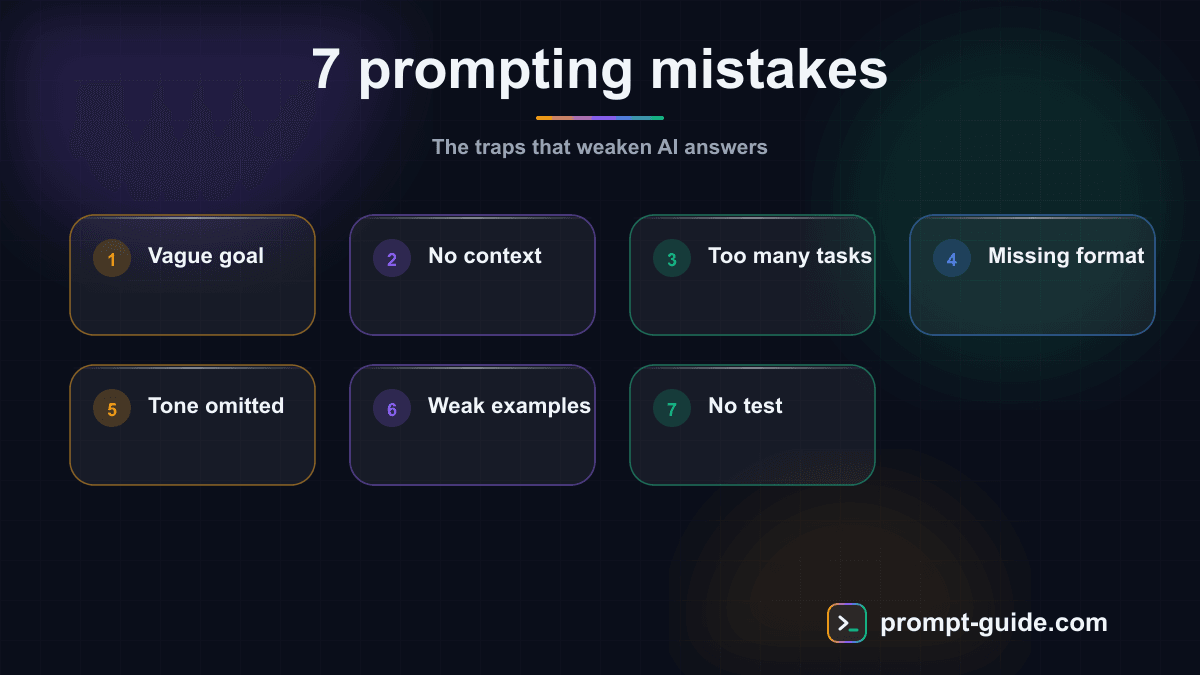
Why your prompts are not working as expected
You tried to write a prompt, and the result disappointed you. The AI produced something generic, off-topic, too long, too short, or simply unusable. The good news? In 90% of cases, the problem is not the AI but your prompt.
After analyzing thousands of prompts, we identified the 15 most frequent mistakes that sabotage your results. For each mistake, you will find an explanation, a concrete example, and the immediate fix.
Mistake 1: Being too vague in your request
Why it is a problem
A vague prompt forces the AI to guess your intentions. Since it cannot read your mind, it produces a generic result that tries to cover all possible interpretations.
Example
Bad: "Tell me about marketing."
Good: "Explain the 5 most effective digital marketing strategies in 2026 for a small B2B company with a budget under $5,000 per month. For each strategy, indicate the expected ROI and implementation time."
Fix
Before sending a prompt, ask yourself: "If 10 people read this prompt, would they all give the same answer?" If not, your prompt is too vague.
Mistake 2: Not specifying the output format
Why it is a problem
Without format indication, the AI chooses a default format that may not match your needs. You wanted a comparison table? The AI gives you paragraphs of text.
Example
Bad: "Compare React and Vue.js."
Good: "Compare React and Vue.js in a table with columns: Criteria, React, Vue.js, Verdict. Include: learning curve, performance, ecosystem, community size, hiring ease, and ideal use case. Add a 2-sentence final recommendation below the table."
Fix
Always specify length (word count, paragraphs), structure (list, table, prose, FAQ), and presentation (headings, bold, numbering).
Mistake 3: Ignoring role attribution
Why it is a problem
Without a role, the AI responds as a generic assistant. The same question asked to a lawyer, an accountant, or a marketer will produce radically different answers.
Fix
Start your prompts with a specific role when the topic benefits from particular expertise. Don't say "You are an expert" — specify: expert in what, in what context, with what communication style.
Mistake 4: Overloading the prompt with information
Why it is a problem
A prompt that is too long and dense can overwhelm the AI. It may lose sight of the main instruction amid secondary information. Paradoxically, adding too many details can degrade quality rather than improve it.
Fix
Apply the relevance test: for each piece of information, ask "Does this info change the final result?" If not, remove it.
Mistake 5: Not providing context about the target audience
Why it is a problem
The target audience determines vocabulary, detail level, tone, and examples. A text for technical experts and a text for beginners have nothing in common.
Fix
Always include three pieces of information about your audience: who they are, their knowledge level on the subject, and their goal.
Mistake 6: Not giving examples (few-shot prompting)
Why it is a problem
Explaining what you want with words is often less effective than showing it with an example. The AI excels at reproducing and adapting patterns.
Fix
When style or format matters, always show an example of the desired result. One example is often worth more than 10 sentences of explanation.
Mistake 7: Using an encyclopedic tone by default
Why it is a problem
If you do not specify the tone, the AI often adopts an encyclopedic, neutral, formal style. This tone is appropriate for some uses but catastrophic for others like social media posts or marketing content.
Fix
Specify tone using concrete comparisons: "like a conversation between friends," "like a Harvard Business Review article," "like a viral Twitter thread."
Mistake 8: Not defining constraints
Why it is a problem
Without constraints, the AI has too wide a field of action. It produces a result that is technically correct but practically unusable.
Fix
Always add at least 3 constraints: length, structure, and style. Constraints don't limit the AI — they guide it toward a more precise, usable result.
Mistake 9: Forgetting iteration and wanting everything on the first try
Why it is a problem
Many users treat prompting as a single-use machine. This "one-shot" approach rarely produces optimal results, especially for complex tasks.
Fix
Adopt the iterative approach: ask for structure first, validate or adjust, then ask for content section by section, and refine tone and details.
Mistake 10: Copy-pasting prompts without adapting them
Why it is a problem
The internet is full of "magic prompts" and templates. Many users copy-paste them without adapting to their specific context.
Fix
Use online prompts as a starting point, not a finished product. Always adapt: language, cultural context, specific audience, tone, and constraints.
Mistake 11: Ignoring model strengths and limitations
Why it is a problem
Each AI model has its strengths and weaknesses. Asking for very recent factual information, complex mathematical calculations, or internet searches (if unavailable) leads to hallucinations or incorrect results.
Fix
Know your model's limitations: training cutoff date, hallucination tendency, calculation limits, and subjectivity handling.
Mistake 12: Not using separators and formatting
Why it is a problem
A prompt that mixes instructions and data in a continuous flow makes it difficult for the AI to distinguish what is an instruction from what is content to process.
Fix
Use visual separators to distinguish prompt sections: dashes (---), bold labels for each section (Instruction, Context, Text, Format), and quotes or blocks for content to process.
Mistake 13: Asking closed questions when you want rich answers
Why it is a problem
Closed (yes/no) or overly restrictive questions artificially limit the AI's response.
Fix
Replace closed questions with structured analysis requests. Instead of "Is A better than B?", ask "Compare A and B according to criteria X, Y, Z for context C."
Mistake 14: Asking multiple unrelated tasks in a single prompt
Why it is a problem
Asking the AI to do 5 different things in a single prompt reduces the quality of each response. The result: 5 mediocre answers instead of 5 excellent ones.
Fix
Apply the "one main task per prompt" rule. If you have multiple tasks, send them separately or sequence them logically in a conversation.
Mistake 15: Never reviewing and improving your prompts
Why it is a problem
Many users send their prompt as soon as it is written, without review. A quick 30-second review often identifies ambiguities, omissions, or awkward formulations.
Fix
Before sending an important prompt, do the 30-second checklist:
- Is the task clearly defined?
- Is the output format specified?
- Is essential context included?
- Is there at least one constraint (length, tone, or structure)?
- Is the prompt understandable by someone else?
Summary: all 15 mistakes and their quick fixes
Too vague
— Add precise subject, audience, and format
No format
— Specify length, structure, and presentation
No role
— Assign a specific role with expertise and style
Information overload
— Keep only what changes the result
No target audience
— Specify who, what level, what goal
No examples
— Show an example of the expected result
Encyclopedic tone
— Specify tone with a concrete comparison
No constraints
— Add at least 3 constraints (length, structure, style)
No iteration
— Plan 2-4 back-and-forths with the AI
Blind copy-paste
— Adapt every prompt to your context
Ignoring limits
— Know the model's strengths and weaknesses
No separators
— Use labels and visual delimiters
Closed questions
— Ask for structured analyses
Too many tasks
— One main task per prompt
No review
— 30-second checklist before sending
Prompting is a skill that develops over time. Nobody masters all these rules on the first try. The important thing is to improve every day. Each corrected mistake brings you closer to more effective, faster, and more satisfying prompting. Start with the 3 mistakes most relevant to your use case, and build from there.
Related Prompts
Write a High-Impact B2B Prospecting Email
This prompt generates short, personalized, results-oriented B2B prospecting emails with an optimized response rate thanks to a proven structure.
Create a Detailed and Structured Blog Post Outline
Create detailed blog post outlines with SEO structure, preliminary research, and supplementary elements.
Create a complete and effective FAQ
Create a complete and structured FAQ that reduces support requests with clear answers, a decision tree, and SEO optimization.
Explain Complex Terms or Concepts Simply
Simplify any complex concept into clear, progressive, and memorable explanations.
Executive Summary of a Long Document
Transforms a long document into a structured executive summary with conclusions, attention points, and actionable recommendations for decision-makers.
Rephrase Text for Greater Clarity and Readability
Rephrase your texts to make them clearer, smoother, and more accessible without losing the original meaning.
Practice Exercises
Clarity and Precision
Learn to write clear and precise prompts to get exactly what you want.
Providing Context
Master the art of giving the right context to AI for relevant results.
Defining Output Format
Learn to specify the exact format of the expected response.
Setting Constraints
Discover how precise constraints drastically improve results.
Related guides
Continue your learning
You've finished this guide. Here's how to go further.
Practice what you learned
Interactive exercises to sharpen your prompting skills
Get new guides every week
Join our newsletter and never miss new content.