Beginner vs Expert Prompting: Key Differences
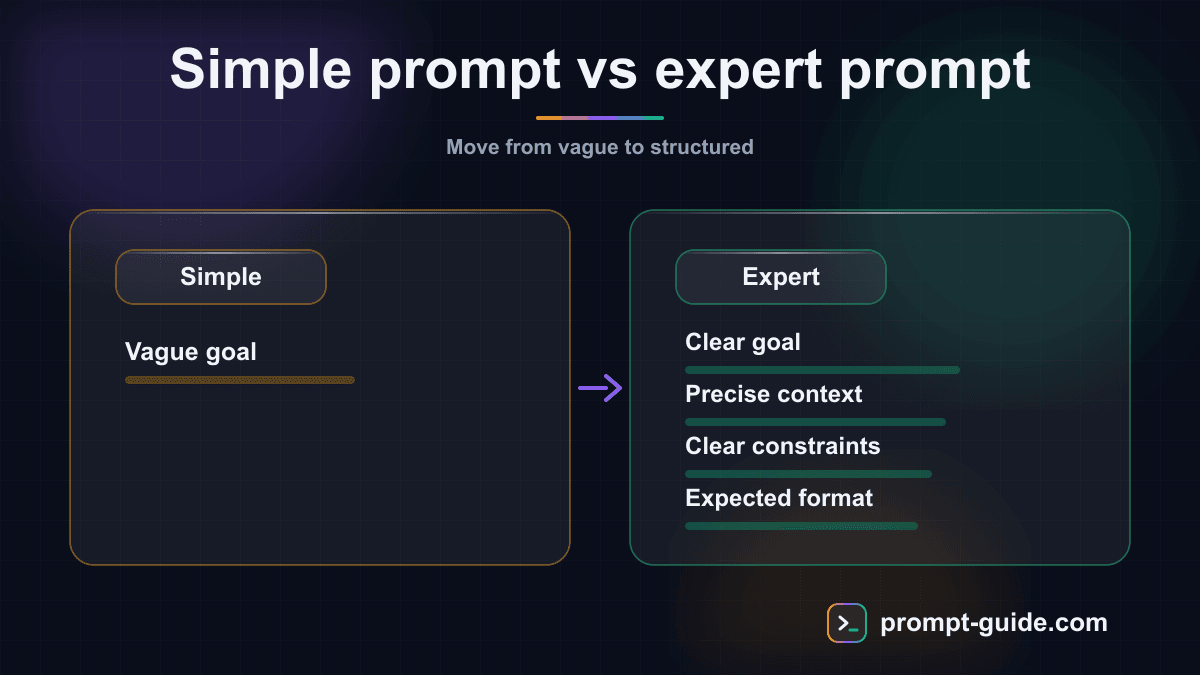
The 7 fundamental differences between a beginner and an expert in prompting
Prompting is a skill that can be learned and perfected with practice. Yet few people take the time to analyze what truly separates a beginner from an expert. After observing thousands of prompts, clear patterns emerge: experts are not those who write the longest prompts, but those who write the most effective ones.
Difference 1: Prompt structure
The beginner: unstructured stream of consciousness
Beginners write prompts like they think out loud, in a continuous flow without particular organization. Context, task, constraints, and desired format are all mixed together in a single block of text.
Beginner prompt: "I need an article about SEO because my site doesn't rank well on Google and I'd like it to be a blog post of about 1000 words that explains SEO basics for people who don't know much about it written simply with examples and also I'd like subheadings."
The expert: clear, hierarchical architecture
The expert structures their prompt like a professional brief. Each component is clearly identified and separated.
Expert prompt: "Role: Web writer specialized in SEO. Task: Write a 1000-word blog post on SEO fundamentals. Target audience: Beginner entrepreneurs with no technical background. Tone: Educational, simple, with everyday analogies. Structure: Introduction + 5 sections with H2 headings + conclusion. Constraints: Include one concrete example per section. No jargon without explanation."
A structured prompt reduces ambiguity by 60-80%. The AI processes organized information better.
Difference 2: Context management
The beginner: too little or too much context
Beginners oscillate between two extremes: no context at all, or drowning the AI in irrelevant details.
The expert: surgical context
The expert provides only context that changes the result. They ask themselves: "If I remove this information, will the answer be significantly different?" If not, they remove it.
Difference 3: The iteration approach
The beginner: the frustrated one-shot
The beginner treats each prompt as a single shot. If the result is not satisfactory on the first try, they are frustrated. They start from scratch or give up.
The expert: strategic dialogue
The expert knows that prompting is iterative by nature. They plan their iterations and use each result as a stepping stone toward the final result. They converge on the desired result in 2-4 iterations.
Difference 4: Format specification
The beginner: no format indication
The beginner never specifies the desired output format. They ask for "a summary" without saying whether they want 3 lines or 3 paragraphs.
The expert: format as a first-order instruction
The expert specifies length, structure, hierarchy, and visual elements. Format is often more important than the content itself.
Difference 5: Role attribution
The beginner: no role or a vague role
The beginner addresses the AI as a generic tool. They don't think about assigning a role or stay very vague: "You are an expert."
The expert: a detailed, relevant persona
The expert uses roles as a powerful lever. They describe the type of expertise, communication style, and the persona's priorities. This deeply influences vocabulary, priorities, level of detail, and perspective in the response.
Difference 6: Using constraints
The beginner: positive instructions only
The beginner tells the AI what they want, but rarely what they don't want. Yet negative constraints are often more effective than positive instructions.
The expert: a mix of positive and negative instructions
The expert uses negative constraints as guardrails. They anticipate common AI mistakes and prevent them explicitly. Negative constraints break the AI's default patterns and force more creative, original output.
Difference 7: Evaluation and continuous improvement
The beginner: no performance tracking
The beginner uses each prompt as an isolated action, repeating the same mistakes and rediscovering the same solutions each session.
The expert: a continuous improvement system
The expert maintains a prompt library, analyzes failures, tests and compares formulations, follows model evolutions, and shares knowledge with others.
Side-by-side examples: beginner vs expert
Job application email
Beginner: "Write a job application email for a project manager position."
Expert: "Write a job application email for a digital project manager position at a 50-person web agency. My profile: 5 years of e-commerce project management experience, PMP certified. Strengths to highlight: ability to manage 5+ simultaneous projects, Agile/Scrum expertise. Tone: professional but showing genuine enthusiasm. Format: email subject + body of max 200 words."
Social media content
Beginner: "Write a LinkedIn post."
Expert: "Write a 150-200 word LinkedIn post on the theme: 'Why I stopped making classic to-do lists.' Format: catchy hook (1 shocking sentence), short personal story, lesson learned, CTA (open question). Audience: managers and entrepreneurs. Tone: authentic, slightly provocative, not preachy. Include 3-5 relevant hashtags at the end."
The progression path: from beginner to expert
Level 1: Novice (0-2 weeks)
Short, vague prompts. No structure. Frequent frustration. Focus on learning to include context, task, and format systematically.
Level 2: Practitioner (2 weeks - 3 months)
Longer, more structured prompts. Starting to use roles. Focus on mastering iteration and negative constraints.
Level 3: Advanced (3-12 months)
Well-calibrated prompts. Natural iteration. Prompt library in progress. Focus on multi-prompt workflows and custom system prompts.
Level 4: Expert (12+ months)
Precise, efficient prompts. Instinctive adaptation. Rich prompt library. Understanding of nuances between models. Ability to create prompts for others.
Self-assessment: where are you?
Answer these 10 questions honestly to assess your current prompting level. Count 1 point per positive answer.
- Do I structure my prompts with clear separation between task, context, and format?
- Do I use specific roles (not just "expert")?
- Do I include negative constraints (what NOT to do)?
- Do I iterate instead of starting over when the result is unsatisfactory?
- Do I specify the output format (length, structure, style)?
- Do I have a prompt library that I reuse?
- Can I adapt my prompts based on the model used?
- Do I provide examples (few-shot) when the task is ambiguous?
- Can I break down a complex task into multiple prompts?
- Do I analyze my failures to identify patterns?
- 0-3 points: Beginner level — Focus on structure and format
- 4-6 points: Intermediate level — Work on iteration and negative constraints
- 7-8 points: Advanced level — Build your library and test advanced techniques
- 9-10 points: Expert level — Share your knowledge and keep optimizing
Final tip: Prompting is a skill that rewards deliberate practice. Don't try to master everything at once. Choose one key difference (the one where you have the most to gain) and focus on it for a week. The following week, move to the next one. In two months, you will have significantly improved your results.
Related Prompts
Design a Robust Microservices Architecture
A complete prompt to design a professional microservices architecture covering DDD decomposition, inter-service communication, Kubernetes deployment, and observability.
Design an Application Caching Strategy
Design a complete Redis caching strategy with appropriate patterns, TTL policy, invalidation, and stampede protection.
Rephrase Text for Greater Clarity and Readability
Rephrase your texts to make them clearer, smoother, and more accessible without losing the original meaning.
Complete Code Review for Pull Requests
Get an exhaustive code review covering quality, performance, security, and maintainability for any language.
Executive Summary of a Long Document
Transforms a long document into a structured executive summary with conclusions, attention points, and actionable recommendations for decision-makers.
Analyze my website's SEO performance
This Cowork prompt transforms your raw Google Search Console exports into a structured, actionable SEO audit. Claude identifies quick-wins (pages in position 5-20 to optimize), problems (cannibalization, declining pages) and generates recommendations prioritized by impact and effort. The CSV tracking table enables continuous monitoring.
Practice Exercises
Clarity and Precision
Learn to write clear and precise prompts to get exactly what you want.
Providing Context
Master the art of giving the right context to AI for relevant results.
Few-shot Prompting
Teach by example: guide the AI with concrete examples.
System Prompt Design
Design a complete system prompt for a professional chatbot.
Chain-of-Thought Reasoning
Force the AI to reason step by step for complex decisions.
Related guides
Continue your learning
You've finished this guide. Here's how to go further.
Practice what you learned
Interactive exercises to sharpen your prompting skills
Get new guides every week
Join our newsletter and never miss new content.