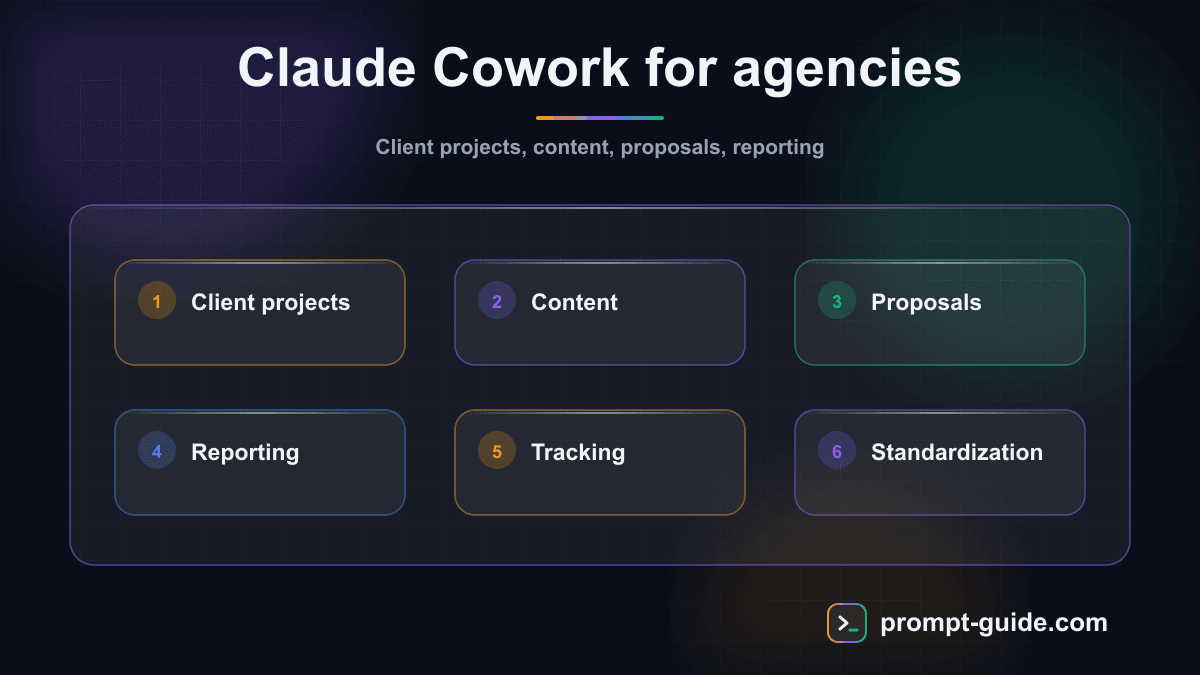
Why agencies need Claude Cowork
You manage five, ten, twenty clients in parallel. Each client has their own tone of voice, objectives, and deadlines. Briefs pile up, back-and-forth on deliverables consumes hours, and your team spends as much time coordinating as producing. This is exactly the problem that Claude Cowork solves for agencies.
Claude Cowork is the collaborative feature of Claude that lets you create dedicated Projects, each with its own context, reference files, and custom instructions. For an agency, this means a structured workspace per client where every AI interaction is calibrated to that client's specific needs -- without cross-contamination between projects.
Based on feedback from agencies already using this approach, the average time savings is between 40% and 60% on recurring content production, and up to 70% on first-draft generation. This is not theory: it's what teams report after two weeks of structured use.
How to structure your Projects by client
The first step is to create a dedicated Project for each client in Claude. Here's how to proceed methodically:
Create the Project
Give it a clear name, for example "Client - ClientName - [Mission Type]".
Write the system instructions
This is the cornerstone. Include the client's tone of voice, brand values, preferred and avoided keywords, target audience, and specific constraints (text length, format, etc.).
Add reference files
Editorial guidelines, approved content examples, initial brief, personas, visual guidelines. Claude will use these documents as the source of truth for every interaction.
Test with a real deliverable
Before deploying the Project to the entire team, produce a first deliverable and compare it with what you would have produced manually.
This structure ensures that every team member using the Project gets results consistent with the client's identity, even without deep knowledge of the account.
Use case 1: Content production at scale
This is the most common agency need. You must produce blog articles, social media posts, newsletters -- often for multiple clients every week.
Step-by-step setup
In the Project instructions
, specify the client's editorial calendar, content pillars, and expected formats (long-form article, LinkedIn post, Instagram carousel, etc.).
Create a prompt template
for each content type. For example: "Write a 1200-word blog article about [topic]. Follow the tone of voice defined in the instructions. Include an engaging introduction, 3 to 5 H2 subheadings, and a final call to action."
Iterate in the conversation
ask Claude to adjust the tone, strengthen an argument, or rephrase a passage. Each exchange refines the output without losing context.
Export and integrate
copy the final content into your management tool (Notion, Asana, Google Docs) for client approval.
Concrete result: a content marketing agency that produced 8 articles per week scaled to 25 without hiring, using a dedicated Project per client with standardized prompt templates.
Use case 2: Automating commercial proposals
Writing personalized commercial proposals is a massive time sink for agencies. Claude Cowork transforms this process.
Step-by-step setup
Create a "Commercial Proposals" Project
with your proposal templates, pricing grid, case studies, and sales arguments by service type.
Feed the context
with prospect information: website, industry, issues identified during the first call.
Ask Claude to generate a first draft
"Write a commercial proposal for [Prospect Name], a [sector] company looking to [objective]. Include an analysis of their current situation, our recommended approach, the projected timeline, and the investment."
Refine in conversation
add details, adjust the budget, personalize client references.
What used to take 3 to 4 hours per proposal now takes 45 minutes, review included. And quality remains consistent because the Project contains all your references.
Continue reading
Create a free account to access the rest of this guide and all our Claude Cowork content.
- Full access to Claude Cowork guides
- Ready-to-use prompts and Skills
- 100% free, no commitment

Prompt Guide
Founder of Prompt Guide and CEO of Webpulser. Digital and AI entrepreneur since 2006, he shares his field-tested prompt engineering techniques.
Practice what you learned
Interactive exercises to sharpen your prompting skills
Master Claude Cowork in 5 days
Get one email per day for 5 days with practical exercises, ready-to-use prompts and pro tips.
- 1Day 1: Setup and global instructions
- 2Day 2: Skills - customize your assistant
- 3Day 3: Scheduled tasks and automations
- 4Day 4: Plugins, connectors and Computer Use
- 5Day 5: Advanced workflows and business use cases
Claude Cowork Starter Kit
A ready-to-use context kit so Claude Cowork knows your profession from the moment you open it.
- Free and open source kit
- Compatible with Claude Cowork and Codex
- Ready-to-use context files
- Use cases for freelancers and consultants
Related Prompts
Transform long content into catchy social media posts
Transform your articles and long-form content into short, engaging social media publications.
Create Catchy Social Media Headlines
Generates punchy, optimized headlines for your social media posts, adapted to your audience and platform.
Summarize long articles or documents into clear summaries
Condense articles, reports, and lengthy documents into structured and directly usable summaries.
Write Professional Blog Posts and White Papers
Create engaging blog posts and professional white papers that strengthen your industry expertise.