Adopting AI in a professional setting raises a fundamental question: is my data safe? With Claude Cowork, Anthropic offers an AI agent that works directly on your machine in a sandboxed environment. But what actually happens with your files? What GDPR guarantees do you have? This article answers all these questions with concrete recommendations for using Claude Cowork securely, even when handling sensitive data.
Is Claude Cowork GDPR compliant?
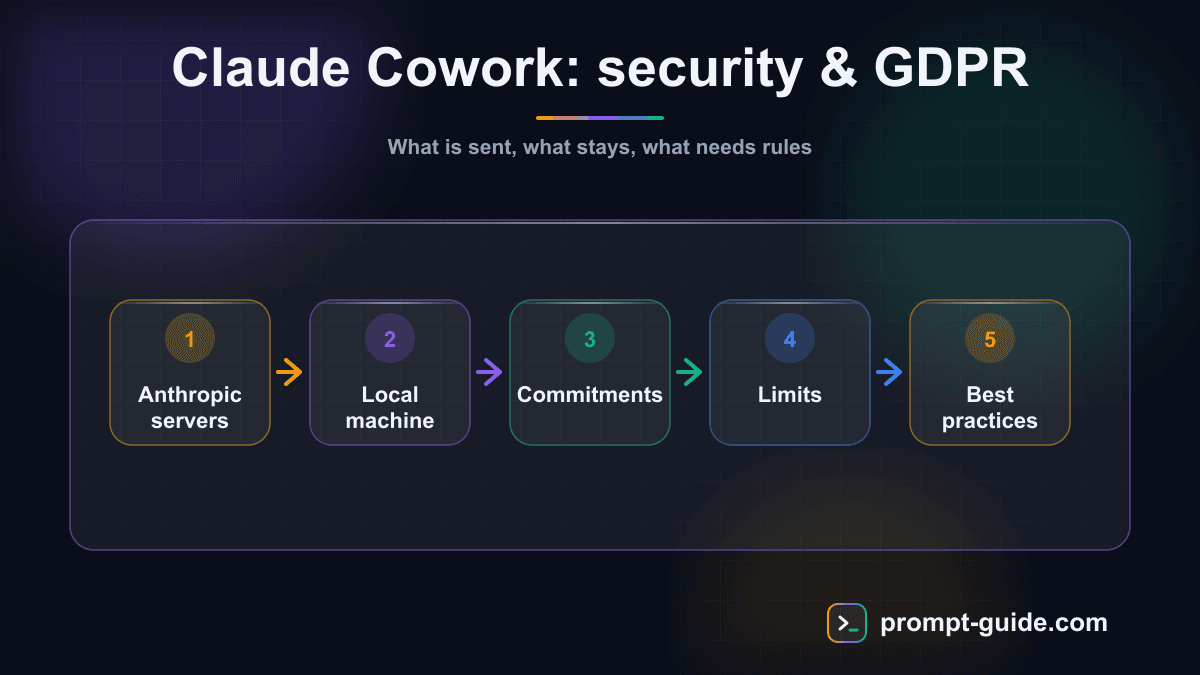
Claude Cowork can be used in a GDPR-compliant way provided you put the right safeguards in place. Anthropic offers a DPA aligned with the EU Standard Contractual Clauses, has committed since March 2024 not to train on your data without consent, and deletes conversation data after 30 days. You must sign the DPA and apply data minimization. The main limitation: data transfers outside the EU, since servers are primarily US-based.
How Claude Cowork handles your data
Claude Cowork operates on a specific architectural model. When you launch a task, the agent runs in a virtualized sandbox environment on your own machine. Your files — spreadsheets, Word documents, PDFs, databases — are read and manipulated locally.
However, text exchanges between you and Claude pass through Anthropic's servers. Every prompt you send and every response generated goes through the Claude API. This raises the central question: what data leaves your machine, and how is it handled on Anthropic's servers?
What is sent to Anthropic servers
- Your text instructions: every message you type in the Cowork interface.
- Referenced file content: if you ask Claude to analyze a file, relevant content is sent in the conversation context.
- Execution results: when Claude runs code or commands, outputs are sent back to the model so it can continue the task.
What stays on your machine
- Your original files: they are not permanently copied to Anthropic's servers.
- The sandbox environment: all executed code, temporary files, and modifications remain in the local container.
- Your project history: CLAUDE.md files, custom instructions, and project notes stay on your disk.
Continue reading
Create a free account to access the rest of this guide and all our Claude Cowork content.
- Full access to Claude Cowork guides
- Ready-to-use prompts and Skills
- 100% free, no commitment

Prompt Guide
Founder of Prompt Guide and CEO of Webpulser. Digital and AI entrepreneur since 2006, he shares his field-tested prompt engineering techniques.
Practice what you learned
Interactive exercises to sharpen your prompting skills
Master Claude Cowork in 5 days
Get one email per day for 5 days with practical exercises, ready-to-use prompts and pro tips.
- 1Day 1: Setup and global instructions
- 2Day 2: Skills - customize your assistant
- 3Day 3: Scheduled tasks and automations
- 4Day 4: Plugins, connectors and Computer Use
- 5Day 5: Advanced workflows and business use cases
Claude Cowork Starter Kit
A ready-to-use context kit so Claude Cowork knows your profession from the moment you open it.
- Free and open source kit
- Compatible with Claude Cowork and Codex
- Ready-to-use context files
- Use cases for freelancers and consultants
Related Prompts
Transform long content into catchy social media posts
Transform your articles and long-form content into short, engaging social media publications.
Create Catchy Social Media Headlines
Generates punchy, optimized headlines for your social media posts, adapted to your audience and platform.
Summarize long articles or documents into clear summaries
Condense articles, reports, and lengthy documents into structured and directly usable summaries.
Write Professional Blog Posts and White Papers
Create engaging blog posts and professional white papers that strengthen your industry expertise.