In 2026, three AI assistants dominate the market: ChatGPT by OpenAI, Claude by Anthropic, and Gemini by Google. Each has its strengths, limitations, and ideal audience. But which one should you choose?
This article offers a detailed, objective comparison of these three tools, with a summary table, a benchmark on 10 real use cases, and personalized recommendations. Whether you're a student, professional, developer, or content creator, you'll know exactly which tool to prioritize.
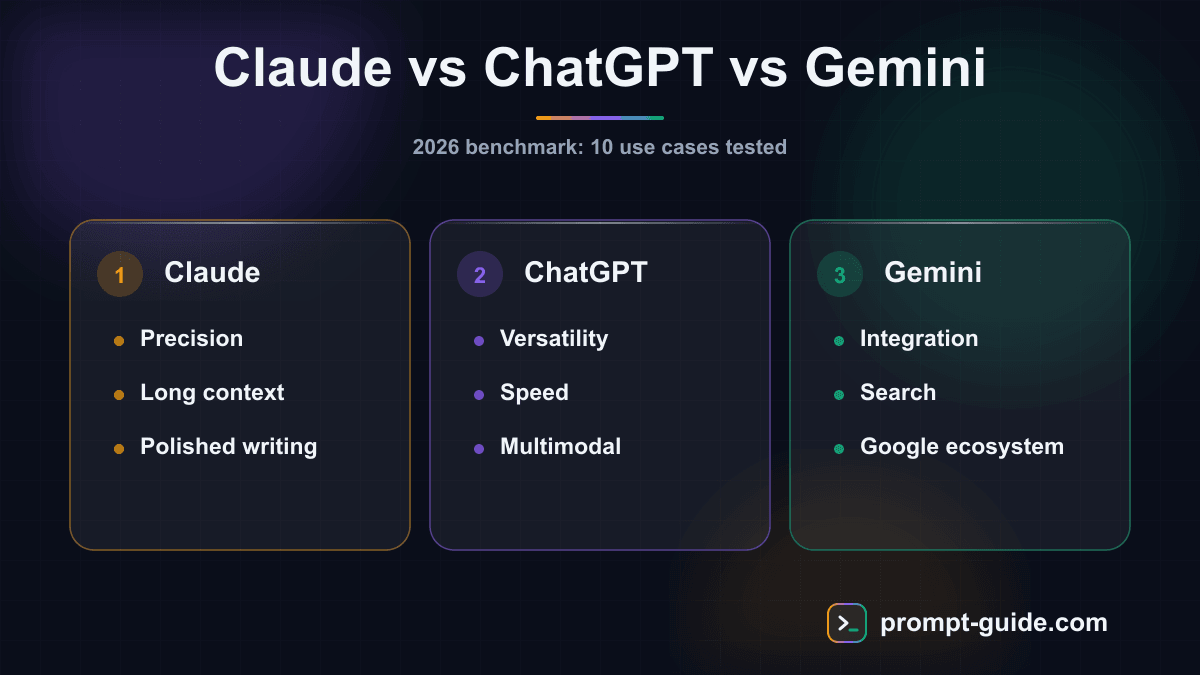
Meet the three tools
ChatGPT (OpenAI)
ChatGPT is the pioneer of mainstream conversational AI, launched in November 2022. In 2026, it runs on GPT-5 and GPT-4o models. It's the most versatile tool: text generation, code, images (via DALL-E), advanced voice mode, web browsing, and custom GPTs. Its ecosystem is the richest, with thousands of plugins and a massive community.
Claude (Anthropic)
Claude is developed by Anthropic, a company founded by former OpenAI researchers. In 2026, Claude runs on Opus 4.6, Sonnet 4.6, and Haiku 4.5 models. Its reputation rests on three pillars: complex reasoning, writing quality, and massive context windows (up to 1 million tokens). Claude particularly excels in long-form writing, code, and document analysis.
Gemini (Google)
Gemini is Google's answer, deeply integrated into the Google ecosystem (Gmail, Docs, Drive, Search). In 2026, it runs on Gemini 3 Pro with a 1 million token context window. Its major asset: native Google Workspace integration and access to real-time Google Search via Deep Research.
Detailed comparison table
| Criteria | ChatGPT | Claude | Gemini |
|---|---|---|---|
| Company | OpenAI | Anthropic | |
| Flagship models | GPT-5, GPT-4o | Opus 4.6, Sonnet 4.6 | Gemini 3 Pro, Flash |
| Free tier | Yes (limited) | Yes (limited) | Yes (limited) |
| Standard subscription | Plus: $20/mo | Pro: $20/mo | AI Pro: $19.99/mo |
| Premium subscription | Pro: $200/mo | Max: $100-200/mo | AI Ultra: $249.99/mo |
| Context window | 128K tokens | 200K (1M in beta) | 1M tokens |
| Multimodal | Text, image, audio, video | Text, image, PDF | Text, image, audio, video |
| Image generation | DALL-E built-in | No | Imagen built-in |
| Video generation | Sora (limited) | No | Veo 3.1 |
| Web browsing | Yes | Yes | Yes (Google Search) |
| Ecosystem integration | Plugins, GPTs, API | API, Claude Code | Native Google Workspace |
| Voice mode | Advanced (natural) | No | Yes |
| Memory | Short and long term | Per project | Via Google account |
| Languages | 80+ languages | Multilingual | 40+ languages |
Benchmark: 10 use cases tested
We tested all three tools on 10 real-world scenarios representing the most common uses. Here are our results (scored out of 5).
| Use Case | ChatGPT | Claude | Gemini | Winner |
|---|---|---|---|---|
| 1. Writing a long article | 4/5 | 5/5 | 3.5/5 | Claude |
| 2. Complex Python code | 4.5/5 | 5/5 | 4/5 | Claude |
| 3. Analyzing a 50-page PDF | 3.5/5 | 5/5 | 4.5/5 | Claude |
| 4. Creative brainstorming | 5/5 | 4/5 | 4/5 | ChatGPT |
| 5. Professional email | 4.5/5 | 4.5/5 | 4/5 | Tie |
| 6. Researching recent info | 4/5 | 3.5/5 | 5/5 | Gemini |
| 7. Nuanced translation | 4.5/5 | 4.5/5 | 4/5 | Tie |
| 8. Meeting summary | 4/5 | 4.5/5 | 5/5 | Gemini |
| 9. Step-by-step tutorial | 5/5 | 4.5/5 | 4/5 | ChatGPT |
| 10. Complex logical reasoning | 4/5 | 5/5 | 4/5 | Claude |
Total score: Claude 45.5/50 | ChatGPT 43/50 | Gemini 42/50
Strengths and weaknesses of each tool
ChatGPT: The most versatile
Strengths:
- Richest ecosystem (GPTs, plugins, DALL-E, Sora, voice mode)
- Excellent at brainstorming and idea generation
- Very clear step-by-step tutorials and explanations
- Long-term memory that retains your preferences
- Largest community, more resources and templates
Weaknesses:
- More limited context window (128K tokens)
- Can be verbose or "too agreeable" (tendency to avoid contradiction)
- Message limits sometimes frustrating on the Plus plan
To get the most from ChatGPT, check our guide on How to Prompt ChatGPT Effectively.
Claude: The most precise
Strengths:
- Best for long-form writing and document analysis
- Superior complex reasoning and logic
- Massive context window (up to 1M tokens)
- High-quality code with Claude Code for developers
- More natural and nuanced tone in responses
Weaknesses:
- No image or video generation
- No voice mode
- More limited plugin ecosystem
- Smaller market share = smaller community
Learn how to get the most from Claude in our guide on Prompting Claude Like a Pro.
Gemini: The best integrated
Strengths:
- Native Google Workspace integration (Gmail, Docs, Drive, Sheets)
- Real-time web search via Google Search
- Deep Research for in-depth analysis
- Built-in image (Imagen) and video (Veo) generation
- 1 million token context window
Weaknesses:
- Writing quality sometimes lower in non-English languages
- Less precise reasoning on complex tasks
- Very expensive premium subscription ($250/month for Ultra)
- Dependency on the Google ecosystem
To use Gemini well, check our guide on Prompting Gemini Effectively.
Price comparison: what's the best value?
All three tools offer a free plan with limits, plus paid subscriptions:
| Plan | ChatGPT | Claude | Gemini |
|---|---|---|---|
| Free | GPT-4o mini, strict limits | Sonnet 4.6, daily limits | Gemini Flash, limits |
| ~$20/month | Plus: GPT-5, DALL-E, voice | Pro: Opus 4.6, 5x usage | AI Pro: Gemini 3, Deep Research |
| $100-200/month | Pro: unlimited, Sora | Max: 5-20x usage | — |
| $250/month | — | — | Ultra: Veo, advanced models |
Our take: At the standard price (~$20/month), all three offerings are comparable. Claude Pro offers the best value for intellectual work (writing, code, analysis). ChatGPT Plus is ideal if you use multimedia features. Gemini AI Pro is unbeatable if you live in the Google ecosystem.
Recommendations by profile
Student / Beginner
Recommendation: ChatGPT (free or Plus)
ChatGPT is the most accessible for getting started. Its interface is intuitive, tutorials are excellent, and the community is enormous for finding help. The free plan is sufficient to start. Check our free AI tools guide to maximize your use without spending a dime.
Writer / Content Creator
Recommendation: Claude Pro
Claude produces the most natural and nuanced text. Its massive context window lets you work on long documents without losing the thread. For writing articles, newsletters, or books, it's the most performant choice.
Developer
Recommendation: Claude Pro + Claude Code
Claude dominates code benchmarks in 2026. Claude Code offers an AI-assisted development environment right in the terminal. For complex code, debugging, or refactoring, Claude is a step above.
Business Professional
Recommendation: Gemini AI Pro
If your company uses Google Workspace (Gmail, Docs, Sheets, Drive), Gemini is the obvious choice. Native integration lets you summarize emails, generate documents, and analyze spreadsheets without leaving your usual work environment.
Marketer / Entrepreneur
Recommendation: ChatGPT Plus
ChatGPT's versatility makes it the ideal tool for profiles juggling writing, images, brainstorming, and automation. Custom GPTs let you create tailored workflows for your specific needs.
Researcher / Analyst
Recommendation: Claude Pro or Gemini AI Pro
Claude for long document analysis and complex reasoning. Gemini for researching recent information and accessing Google Scholar. The choice depends on your priority: analytical precision (Claude) or information access (Gemini).
Can you use multiple tools?
Absolutely, and it's actually recommended. Many advanced users combine two tools:
- Claude + ChatGPT: Claude for writing and code, ChatGPT for brainstorming and multimedia
- Claude + Gemini: Claude for deep analysis, Gemini for research and Google integration
- ChatGPT + Gemini: ChatGPT for creation, Gemini for office productivity
The key is knowing each tool's strengths so you use the right one at the right time. Our dedicated guides help you master ChatGPT, leverage Claude, and get the most from Gemini.
Conclusion: which tool should you choose?
There is no universal "best AI" in 2026. The right choice depends on your profile and needs:
| Main Need | Best Choice |
|---|---|
| Versatility and multimedia | ChatGPT |
| Writing and reasoning | Claude |
| Google integration and research | Gemini |
| Code and development | Claude |
| Image and video creation | ChatGPT or Gemini |
| Analyzing long documents | Claude |
| Zero budget | ChatGPT (best free plan) |
What matters most isn't which tool you choose, but how you use it. A good prompt makes all the difference, regardless of the assistant. Check out our free AI tools to start without spending, and learn to craft effective prompts to maximize your results.

L'Art du Prompting
Founder of Prompt Guide and CEO of Webpulser. Digital and AI entrepreneur since 2006, he shares his field-tested prompt engineering techniques.
Practice what you learned
Interactive exercises to sharpen your prompting skills
Stay Updated
Get our best articles and techniques every week.
Related Prompts
Write a SKILL.md for Hermes Agent: turn a repetitive task into a skill
Converts a freely described manual task into a structured SKILL.md for Hermes Agent: triggers, preconditions, procedure, checks, failure cases, report.
Create Math Exercises Adapted to Your Students Level
A comprehensive prompt to generate progressive math exercises with detailed answer keys, adapted to the grade level and chosen topic.
Résumer un cours pour réviser efficacement avec l'IA
Un prompt qui transforme n'importe quel cours ou ensemble de notes en fiche de révision structurée, claire et facile à mémoriser, adaptée à votre niveau et à votre échéance.
Create an Immersive Educational Role-Playing Game for Students
This prompt generates a turnkey educational role-playing game with scenario, character sheets, rules, resources and teacher guide adapted to your subject and level.