You spent an hour explaining your project to Claude Cowork, configuring the tone, specifying your preferences. Then you closed the session. The next day, you relaunch Claude and... it has forgotten everything. This frustrating scenario is one of the first obstacles regular users encounter. The good news: there are concrete solutions to give Claude Cowork persistent memory. This article shows you every technique available, from the simplest to the most advanced.
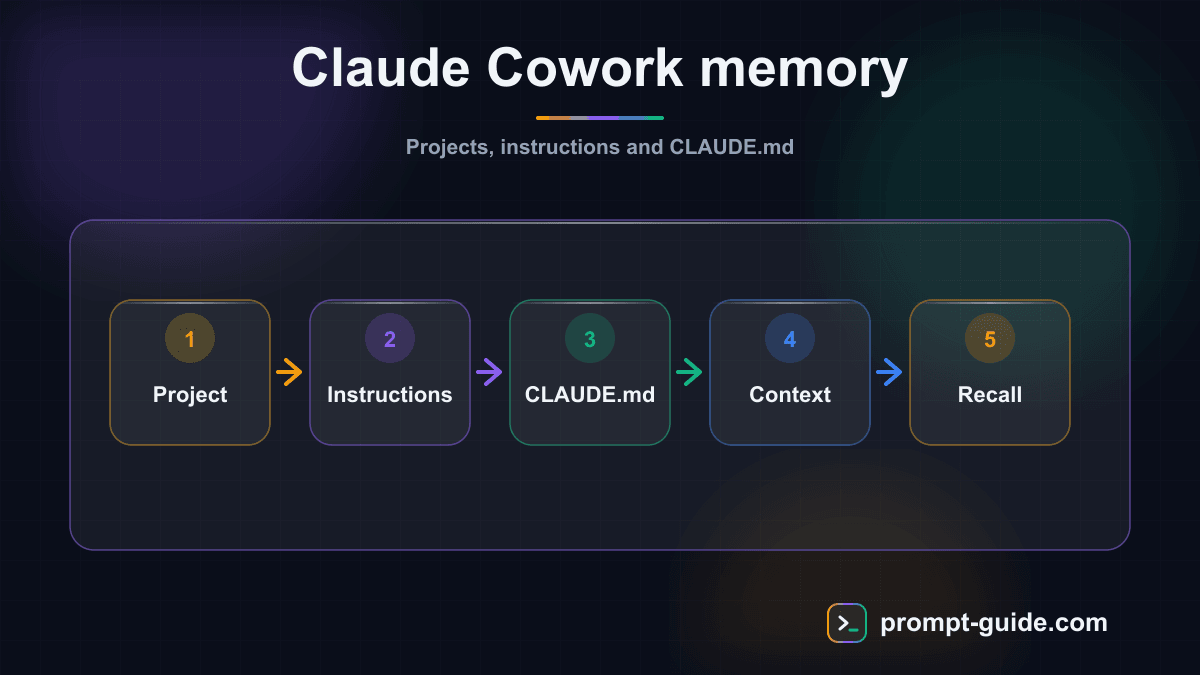
Why does Claude Cowork forget everything?
Claude Cowork, like all large language models, works with a context window. Each session starts with a clean slate. Messages fill this window progressively, but when the session ends, everything resets. This is not a bug — it is an architectural constraint. The model has no persistent database to store your preferences or project history.
But Anthropic built mechanisms to work around this limitation. They are not always intuitive, which is why most users do not leverage them.
The CLAUDE.md file: your primary weapon
The CLAUDE.md file is the most powerful mechanism for giving Claude Cowork persistent context. It is a Markdown file that Claude reads automatically at the start of every session.
When you start a Claude Cowork session in a directory, the agent looks for a CLAUDE.md file at the project root. If found, it loads it into the initial context. Everything you write in this file will be read and considered at every session.
What to put in your CLAUDE.md
Include your tech stack, coding conventions, important decisions with dates, and things to avoid. The goal is to provide the information a new developer would need to work effectively on your project.
Three levels of CLAUDE.md
~/.claude/CLAUDE.md
global instructions applied to all projects. Ideal for personal preferences.
Continue reading
Create a free account to access the rest of this guide and all our Claude Cowork content.
- Full access to Claude Cowork guides
- Ready-to-use prompts and Skills
- 100% free, no commitment

Prompt Guide
Founder of Prompt Guide and CEO of Webpulser. Digital and AI entrepreneur since 2006, he shares his field-tested prompt engineering techniques.
Practice what you learned
Interactive exercises to sharpen your prompting skills
Master Claude Cowork in 5 days
Get one email per day for 5 days with practical exercises, ready-to-use prompts and pro tips.
- 1Day 1: Setup and global instructions
- 2Day 2: Skills - customize your assistant
- 3Day 3: Scheduled tasks and automations
- 4Day 4: Plugins, connectors and Computer Use
- 5Day 5: Advanced workflows and business use cases
Claude Cowork Starter Kit
A ready-to-use context kit so Claude Cowork knows your profession from the moment you open it.
- Free and open source kit
- Compatible with Claude Cowork and Codex
- Ready-to-use context files
- Use cases for freelancers and consultants
Related Prompts
Transform long content into catchy social media posts
Transform your articles and long-form content into short, engaging social media publications.
Create Catchy Social Media Headlines
Generates punchy, optimized headlines for your social media posts, adapted to your audience and platform.
Summarize long articles or documents into clear summaries
Condense articles, reports, and lengthy documents into structured and directly usable summaries.
Write Professional Blog Posts and White Papers
Create engaging blog posts and professional white papers that strengthen your industry expertise.