You've heard about ChatGPT everywhere — at work, in the news, among friends — but you've never really taken the time to try it? Or maybe you tested it once without being convinced by the results? This guide is for you.
In 2026, ChatGPT has become the most widely used artificial intelligence tool in the world. And for good reason: it can draft emails, summarize documents, generate ideas, write code, translate, plan, and much more. But to get the best out of it, you need to understand how it works and how to talk to it effectively.
This guide walks you through step by step, from creating your account to mastering advanced features. No technical skills required.
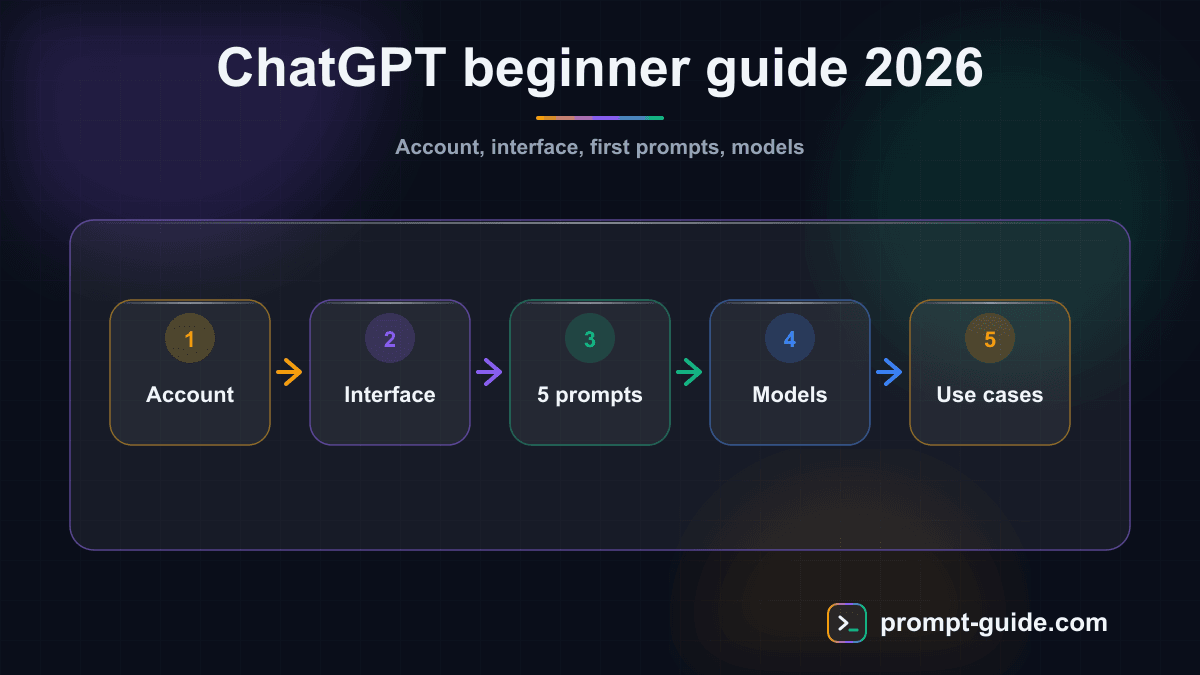
Create your ChatGPT account in 5 minutes
Getting started with ChatGPT is free and takes just a few minutes:
Go to chat.openai.com
from your browser (desktop or mobile)
Click "Sign up"
Choose your sign-in method
email + password, Google account, Microsoft account, or Apple account
Verify your email
if you chose email registration
Complete your profile
(first name and date of birth)
That's it. You now have free access to ChatGPT. You can also download the mobile app (iOS and Android) to use it on your phone.
Free vs ChatGPT Plus: which plan should you choose?
The free version gives you access to GPT-4o mini and a limited number of messages with GPT-4o. For most beginners, the free version is more than enough to explore the tool and understand its potential.
ChatGPT Plus ($20/month) gives you access to:
- Unlimited GPT-4o (the most powerful model)
- Image generation with DALL-E
- Real-time web browsing
- File analysis (PDF, Excel, images)
- Custom GPTs creation
- Priority access even during peak times
Our recommendation: start with the free version. Upgrade to Plus when you're using ChatGPT daily and the free version's limitations are holding you back.
Understanding the ChatGPT interface
ChatGPT's interface is intentionally simple. Here are the main elements:
The conversation bar
This is the text field at the bottom of the screen. This is where you type your messages (your "prompts"). Type your request, hit Enter, and ChatGPT responds within seconds.
Conversation history
In the left panel, you'll find all your past conversations. ChatGPT automatically organizes the history and you can rename, archive, or delete conversations.
The model selector
At the top of the screen, you can choose which model to use. In 2026, the main models are:
- GPT-4o: the flagship model, fast and powerful for all tasks
- GPT-4o mini: lighter, ideal for simple tasks (free and unlimited)
- o1 / o3: "reasoning" models for complex problems (math, logic, advanced coding)
Attachments
The paperclip icon lets you send files: images, PDFs, Excel spreadsheets, Word documents. ChatGPT can analyze, summarize, or extract information from them.
Your first 5 prompts: where to start?
No need to start with something complicated. Here are 5 first prompts to discover what ChatGPT can do. Copy them directly into the conversation bar:
1. Summarize a text
Summarize this text in 5 key points, one sentence each: [paste your text]
Perfect for quickly processing an article, report, or long email.
2. Draft an email
Write a professional email to request a meeting with a new client. I'm a digital transformation consultant. The tone should be polite and direct. Maximum 100 words.
3. Generate ideas
Give me 10 original gift ideas for a 35-year-old woman who loves cooking and travel. Budget: $30 to $80.
4. Explain a concept
Explain blockchain to me as if I were 12 years old. Use an everyday analogy. Maximum 150 words.
5. Proofread a text
Fix the spelling and grammar mistakes in this text. Then list the 3 most important corrections: [paste your text]
These first experiments show you the tool's versatility. To go further in the art of crafting your requests well, check out our complete ChatGPT prompts guide.
GPT-4o vs GPT-4o mini vs o1: which model to choose?
ChatGPT offers several models. Here's how to choose the right one based on your needs:
| Criteria | GPT-4o mini | GPT-4o | o1 / o3 |
|---|---|---|---|
| Speed | Very fast | Fast | Slower (thinks before answering) |
| General quality | Good | Excellent | Excellent on complex problems |
| Creativity | Decent | Very good | Good |
| Logical reasoning | Limited | Good | Exceptional |
| File analysis | No | Yes | Yes |
| Image generation | No | Yes (DALL-E) | No |
| Price | Free | Free (limited) / Plus | Plus only |
| Best for | Simple questions, quick drafts | Daily use, professional content | Math, complex code, detailed analysis |
In short: use GPT-4o mini for quick daily tasks, GPT-4o for serious work, and o1/o3 when you have a complex problem requiring deep reasoning.
Custom GPTs: your personalized assistant
One of the most powerful ChatGPT features in 2026 is custom GPTs. These are specialized versions of ChatGPT, pre-configured for a specific task.
Using existing GPTs
The GPT Store (accessible from the sidebar) offers thousands of GPTs created by the community and companies:
- Canva: to create visuals directly from ChatGPT
- Consensus: to search scientific studies
- Code Copilot: for development assistance
- Whimsical: to generate diagrams and mind maps
To use them, simply click on the GPT that interests you and start chatting.
Creating your own GPT
With ChatGPT Plus, you can create your own GPTs without writing a single line of code:
- Click "Explore GPTs" then "Create"
- Describe in natural language what your GPT should do
- Add specific instructions, tone, and constraints
- Upload reference files (documents, guides, procedures)
- Test and publish
Use case examples: a GPT that answers your customers' questions from your FAQ, an assistant that drafts emails in your company's tone, a tool that analyzes your monthly reports against your KPIs.
10 practical use cases for ChatGPT in everyday life
Here are the most popular uses of ChatGPT, with the kind of results you can expect:
Professional email drafting
— Save 15 minutes per email by letting ChatGPT write the first draft
Summarizing long documents
— Turn a 50-page report into 10 key points
Brainstorming and ideation
— Generate dozens of ideas in seconds
Interview preparation
— Simulate a job interview with questions and feedback
Writing assistance
— Blog posts, LinkedIn posts, product descriptions, cover letters
Translation and adaptation
— Translate and adapt content for different audiences
Learning and training
— Get any concept explained at your level
Data analysis
— Upload an Excel file and request analysis
Programming
— Generate, debug, and explain code in any language
Organization and planning
— Project plans, to-do lists, timelines, schedules
For each of these use cases, the quality of the result depends directly on the quality of your prompt. Practice with our interactive prompting exercises.
ChatGPT limitations you should know
ChatGPT is powerful, but it has limitations that a savvy user needs to be aware of:
It can be confidently wrong
ChatGPT sometimes generates false information presented convincingly (these are called "hallucinations"). Always verify important facts, especially numbers, dates, quotes, and legal or medical references.
It doesn't have internet access (by default)
Without the web browsing feature enabled, ChatGPT responds from its training knowledge. It may not know about very recent events. With ChatGPT Plus, web browsing allows access to real-time information.
It doesn't truly "understand"
ChatGPT predicts the most likely text in response to your message. It has no real understanding, consciousness, or opinions. It simulates understanding very convincingly, but keep that in mind.
Data privacy
By default, your conversations may be used to train future OpenAI models. If you're working with sensitive data:
- Disable history in settings (Settings > Data Controls)
- Never share personal data, passwords, or confidential information
- For professional use, explore ChatGPT Enterprise or Team which offer privacy guarantees
Length limitations
ChatGPT has a limited "context window." For very long conversations, it may "forget" what was said at the beginning. If your conversation gets lengthy, summarize key points or start a new conversation.
5 tips for beginners who want to level up fast
Iterate, iterate, iterate
— Never stop at the first result. Say "This is good but make it more concise" or "Add concrete examples." Prompting is a dialogue.
Give ChatGPT a role
— "You are an expert in [field]" dramatically changes the quality of responses. Test with and without a role to see the difference.
Use voice mode
— The mobile app lets you speak to ChatGPT. It's ideal for brainstorming, interview prep, or language learning.
Explore the GPT Store
— Before starting from scratch, check if a specialized GPT already exists for your need.
Learn prompting basics
— A few hours invested in learning prompting will save you dozens of hours. Start by exploring the best free AI tools to round out your toolkit.
Conclusion: ChatGPT, a tool to master
ChatGPT isn't a magic wand. It's an extremely powerful tool that requires a minimum of learning to unlock its potential. The good news? That learning curve is short and the results are immediate.
Start with the basics: create your account, test the 5 prompts we've given you, and observe the results. Then level up by exploring custom GPTs, refining your prompts, and discovering new use cases.
The most valuable skill in 2026 isn't knowing how to code or mastering a specific software — it's knowing how to communicate effectively with AI. And it starts right here.
Ready to master the art of prompting? Check out our complete ChatGPT guide to go further, or practice directly with our interactive exercises.

L'Art du Prompting
Founder of Prompt Guide and CEO of Webpulser. Digital and AI entrepreneur since 2006, he shares his field-tested prompt engineering techniques.
Practice what you learned
Interactive exercises to sharpen your prompting skills
Stay Updated
Get our best articles and techniques every week.
Related Prompts
Write a SKILL.md for Hermes Agent: turn a repetitive task into a skill
Converts a freely described manual task into a structured SKILL.md for Hermes Agent: triggers, preconditions, procedure, checks, failure cases, report.
Create Math Exercises Adapted to Your Students Level
A comprehensive prompt to generate progressive math exercises with detailed answer keys, adapted to the grade level and chosen topic.
Résumer un cours pour réviser efficacement avec l'IA
Un prompt qui transforme n'importe quel cours ou ensemble de notes en fiche de révision structurée, claire et facile à mémoriser, adaptée à votre niveau et à votre échéance.
Create an Immersive Educational Role-Playing Game for Students
This prompt generates a turnkey educational role-playing game with scenario, character sheets, rules, resources and teacher guide adapted to your subject and level.