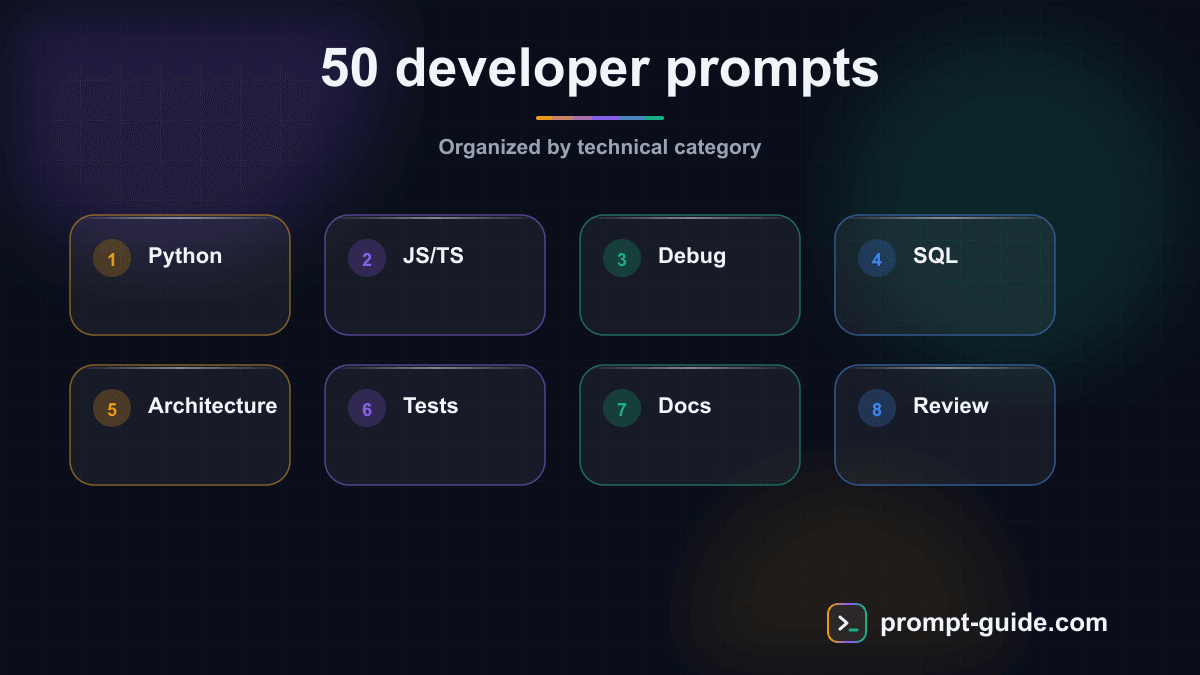
Why prompts have become the #1 developer tool
In 2026, coding without AI is like coding without an IDE: technically possible, but nobody does it voluntarily. The problem isn't having access to AI anymore — it's knowing how to talk to it. A vague prompt gives you vague code. A precise prompt gives you production-ready code.
The difference between a developer who saves 30 minutes a day with AI and one who saves 3 hours? The quality of their prompts. That's exactly what you'll find here: 50 tested, refined, ready-to-use prompts covering your entire workflow — from Python prompts to DevOps Docker prompts, through debugging, testing, and architecture.
Whether you're a junior learning the ropes or a senior looking to accelerate, these prompts will transform how you work. And if you want to go even further, our prompt builder lets you create custom prompts in just a few clicks.
Developer prompt engineering fundamentals
The CTRR framework: Context, Task, Role, Result
Before diving into the 50 prompts, you need to understand why some prompts work and others don't. The key is four letters: CTRR.
- Context — Set the technical scene: language, framework, version, constraints. "I'm working on a Node.js 22 API with Express and TypeScript" is worth a thousand times more than "I have a web project."
- Task — Be surgical about what you expect. "Refactor this function" is vague. "Extract the validation logic into a separate middleware" is precise.
- Role — Assign expertise. "You are a senior developer specializing in application security" sets the response level.
- Result — Describe the expected format: commented code, comparison table, list of files to create, etc.
The 5 mistakes that ruin your code prompts
- No technical context — The AI doesn't know which framework you're using unless you tell it.
- Too many things at once — One prompt = one task. If you mix debugging + refactoring + tests, the result will be mediocre on all three.
- No code example — Pasting your code in the prompt multiplies response relevance by 10.
- Ignoring constraints — Performance, compatibility, team conventions: if you don't mention it, the AI improvises.
- Not iterating — The first result is rarely perfect. The best developers chain 2-3 follow-up prompts.
To practice writing better prompts, our practical exercises guide you step by step with real development scenarios.
All 50 prompts organized by category
Python and scripting (Prompts 1-6)
Prompt 1 — Generate an optimized Python script
Prompt 2 — Convert a script into a professional CLI
Prompt 3 — Analyze and optimize performance — Identify bottlenecks in your Python code and propose alternatives with benchmarks.
Prompt 4 — Create a custom decorator — Generate decorators for caching, retry, rate limiting, or logging.
Prompt 5 — Pandas and data processing — Transform a natural language description into an optimized pandas pipeline with method chaining.
Prompt 6 — Async Python — Convert synchronous code to asyncio with proper concurrent task handling and graceful shutdown.
JavaScript and TypeScript (Prompts 7-14)
Prompt 7 — React component with TypeScript
Prompt 8 — Type an existing JavaScript codebase
Prompts 9-14 cover REST API with validation, custom React hooks, state management with Zustand/Jotai, Next.js Server Components, advanced TypeScript utilities, and codebase migration plans.
Debug and code review (Prompts 15-22)
Prompt 15 — Systematic debugging
Prompt 16 — In-depth code review
Prompts 17-22 cover stack trace analysis, memory leak detection, security auditing (OWASP Top 10), PR review, slow query debugging, and dependency conflict resolution.
SQL and databases (Prompts 23-28)
Prompt 23 — Generate complex SQL queries
Prompts 24-28 cover database schema design, query optimization, writing migrations, ORM queries (Prisma, Drizzle, SQLAlchemy), and realistic seed data generation.
Architecture and refactoring (Prompts 29-34)
Prompt 29 — Guided refactoring
Prompts 30-34 cover design pattern selection, monolith decomposition, REST API architecture, cyclomatic complexity reduction, and clean code principles.
Tests (Prompts 35-40)
Prompt 35 — Comprehensive unit tests
Prompts 36-40 cover API integration tests, E2E tests with Playwright, snapshot tests, advanced mocking, and property-based testing.
DevOps and infrastructure (Prompts 41-45)
Prompt 41 — Optimized multi-stage Dockerfile. Prompt 42 — Complete Docker Compose dev environment. Prompt 43 — GitHub Actions CI/CD pipeline. Prompt 44 — Nginx/Caddy reverse proxy config. Prompt 45 — Zero-downtime deployment scripts.
Tools and productivity (Prompts 46-50)
Prompt 46 — Readable regex
Prompts 47-50 cover advanced Git commands, responsive CSS/Tailwind, technical documentation, and algorithm optimization with Big O comparisons.
All these prompts are also available in our prompt library where you can filter, copy, and adapt them to your needs.
Advanced use cases: combining prompts
Complete workflow: from ticket to deployment
The real power of prompts appears when you chain them. Here's a typical workflow:
Architecture
(Prompt 32) — Define your API structure
Implementation
(Prompt 7 or 1) — Generate the main code
Tests
(Prompt 35 + 36) — Cover the code with tests
Review
(Prompt 16) — Run an automated code review
Refactoring
(Prompt 29) — Improve what needs improving
Security
(Prompt 19) — Check for vulnerabilities
Documentation
(Prompt 49) — Document everything
Docker
(Prompt 41) — Containerize and deploy
Building your own development agents
By combining multiple prompts in sequence, you're essentially creating a specialized AI agent. For example, a "code review agent" that chains the debug prompt, security prompt, and review prompt. You can explore ready-to-use AI agents that do exactly this.
FAQ — Developer prompts
Which AI model should you choose for development in 2026?
Claude (Anthropic), GPT (OpenAI), and Gemini (Google) are the three leaders for code. Claude excels at long reasoning and following complex instructions — ideal for architecture and refactoring. GPT is versatile and fast for routine tasks. Gemini shines with large contexts (entire codebase analysis). The choice depends on your workflow: test all three with the same prompts and compare results on your type of code.
Do prompts replace development skills?
No, and that's a common trap. Prompts amplify your existing skills. If you can't evaluate code quality, you won't know if the AI gave you good code. A senior developer with good prompts is 10x more productive. A beginner with the same prompts risks accumulating technical debt unknowingly. The key: use AI to learn by asking for explanations, not just code.
How do you know if AI-generated code is reliable?
Three golden rules: 1) Never trust blindly — read and understand every line. 2) Test systematically — use prompt 35 to generate tests, then verify they pass. 3) Do a review — use prompt 16 to catch issues you might have missed. AI is a powerful tool, but you're the developer responsible for production code.
Conclusion: take action
You now have 50 ready-to-use prompts covering your entire development workflow. From Python to DevOps Docker, from debugging to software architecture — every situation has its optimized prompt.
But reading this article isn't enough. Real progress comes from practice:
Choose 3 prompts
that match your current work
Test them today
on a real project
Adapt them
to your context and conventions
Iterate
— every use teaches you something
To go further, explore our complete prompt library with hundreds of templates organized by category. And if you want to build your own custom prompts, the prompt builder is made for that.
The best time to integrate AI into your development workflow was yesterday. The second best time is now.
These 50 prompts are just a starting point: explore our full prompt library to find ready-to-use prompts for Python, JavaScript, SQL, Docker, debugging and the rest of your daily dev workflow.

L'Art du Prompting
Founder of Prompt Guide and CEO of Webpulser. Digital and AI entrepreneur since 2006, he shares his field-tested prompt engineering techniques.
Practice what you learned
Interactive exercises to sharpen your prompting skills
Stay Updated
Get our best articles and techniques every week.
Related Prompts
Transform long content into catchy social media posts
Transform your articles and long-form content into short, engaging social media publications.
Create Catchy Social Media Headlines
Generates punchy, optimized headlines for your social media posts, adapted to your audience and platform.
Summarize long articles or documents into clear summaries
Condense articles, reports, and lengthy documents into structured and directly usable summaries.
Write Professional Blog Posts and White Papers
Create engaging blog posts and professional white papers that strengthen your industry expertise.