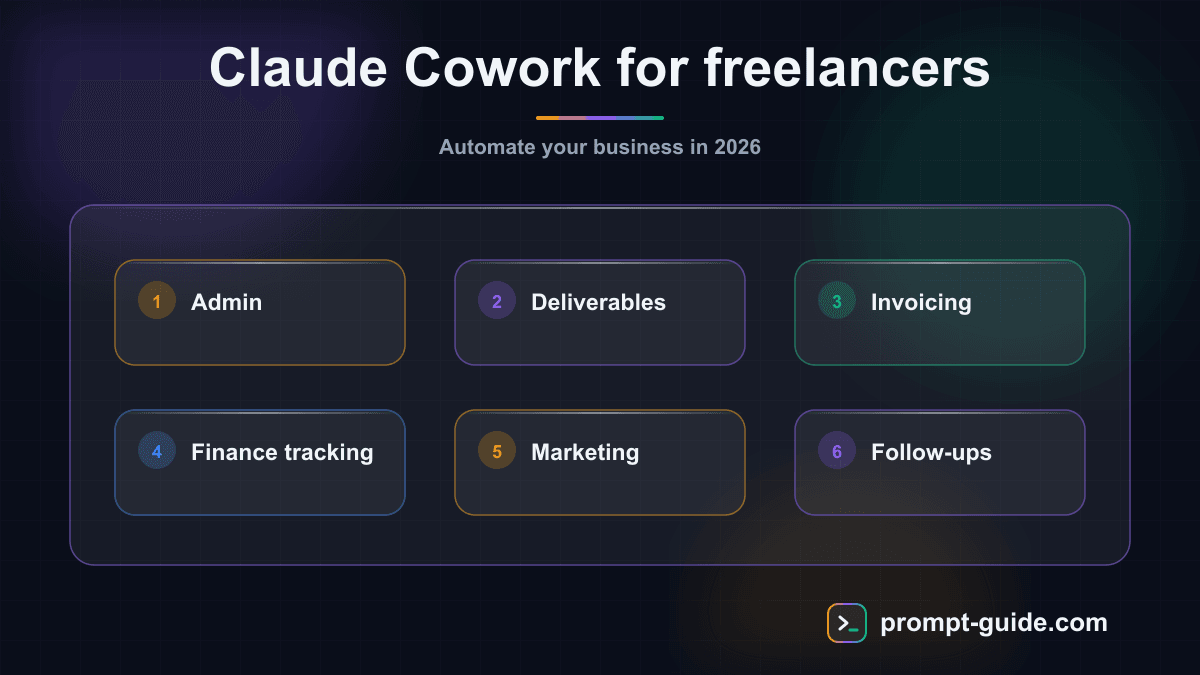
Why freelancers are adopting Claude Cowork in 2026
You are a freelancer or solopreneur. Your typical day looks like a marathon: answering emails, writing proposals, managing invoicing, producing content, following up with prospects, updating your CRM, and -- if time allows -- doing the actual work your clients pay you for.
The problem is not a lack of skills. It is a lack of time. Every hour spent on admin is an hour you cannot bill. And this is exactly where Claude Cowork changes the game.
Unlike a simple chatbot, Claude Cowork operates as an agentic assistant. You assign it a complex task, it breaks it down into steps, executes them autonomously, and delivers a usable result. For a freelancer, it is the equivalent of hiring a part-time assistant -- without overhead, without management, and available around the clock.
In this article, we detail 8 concrete use cases that freelancers and solopreneurs use daily with Claude Cowork, each with step-by-step examples you can replicate immediately.
1. Automate daily administration
Email sorting, document filing, meeting prep -- admin eats up an average of 30% of a freelancer's time. Activate Cowork Mode and hand Claude your daily email backlog:
"Analyze my last 30 emails. Sort them into 4 categories: urgent client, invoice/payment, business opportunity, other. For each urgent email, draft a professional reply matching my tone."
Steps:
- Export your daily emails or connect your mail client via MCP integration
- Launch a Cowork session with the prompt above
- Claude analyzes, categorizes, and generates reply drafts
- You review and send -- 15 minutes instead of 90
2. Produce client deliverables faster
Whether you are a consultant, designer, developer, or writer, deliverable production is your core business. Use Claude Cowork as a co-producer for your deliverables:
"Here is my client's brief. Analyze the constraints, propose a detailed structure for the deliverable, then write a complete first draft. Respect the [formal/casual] tone and technical specifications mentioned in the brief."
Steps:
- Upload the client brief and your usual templates
- Specify your quality standards and expected tone
- Claude produces a structured, argued V1
- You refine, personalize, and deliver in half the time
A digital strategy consultant reports saving 3 to 4 hours per deliverable using this method for audits and recommendations.
3. Automate invoicing and financial tracking
Creating invoices, tracking payments, chasing late payers, preparing quarterly accounting... These tasks are critical but time-consuming. Hand Claude your tracking file:
"Here is my client tracking file. Identify invoices overdue by more than 15 days. For each one, write a polite but firm follow-up email. Also generate a summary of my monthly revenue with the breakdown by client."
Steps:
- Upload your financial tracking file
- Claude identifies delays and calculates amounts due
- It generates personalized follow-up emails per client
- It produces a monthly financial dashboard
- You validate and send follow-ups in one click
4. Scale content marketing
As a freelancer, your online visibility is your top salesperson. Set up a content production system with Claude Cowork:
"You are my editorial assistant. Here is my editorial line and my 5 best-performing LinkedIn posts. Propose a content calendar for the next 2 weeks with 3 LinkedIn posts, 1 blog article, and 1 newsletter. For each piece, write the full content respecting my tone and recurring themes."
Steps:
- Upload your voice guide, best past content, and editorial calendar
- Request a 2-week content plan
- Claude produces all content in a single session
- You review, adjust tone if needed, and schedule publication
Concrete result: an HR consulting solopreneur now produces 12 pieces of content per week instead of 3, for the same time investment.
5. Automate prospecting and lead generation
Prospecting is the lifeblood of any freelance business. Use Claude to prepare and personalize your outreach campaigns:
"Here is my ideal target: [client type description]. Analyze these 20 LinkedIn profiles I identified. For each one, write a personalized outreach message that mentions a specific element from their recent activity. The tone should be direct, without excessive flattery, and offer concrete value."
Steps:
- Define your ideal client persona with Claude
- Provide a prospect list (profiles, websites, recent publications)
- Claude analyzes each profile and writes a custom message
- You review, adjust, and send
6. Manage your CRM and client relationships
Many freelancers lack a formal CRM. Client information is scattered across emails, notes, spreadsheets, and messages. Turn Claude into your CRM assistant:
"Here is my client file and the last 50 email exchanges with my active clients. Update the file with latest interactions, identify clients not contacted in over 30 days, and propose a follow-up action for each one (check-in, upsell, testimonial request)."
Steps:
- Upload your client file and recent emails
- Claude updates client records automatically
- It identifies follow-up and upsell opportunities
- It drafts follow-up messages for each client
7. Optimize time tracking and profitability
Tracking time by project is essential for freelancers, but it is often the first task sacrificed. Hand Claude your profitability analysis:
"Here is my time tracking data for the month (Toggl/Clockify export). Analyze time spent per client and task type. Calculate my effective hourly rate per client. Identify unprofitable projects and propose corrective actions."
Steps:
- Export your time tracking data (CSV or Excel)
- Upload it along with your rates per client
- Claude calculates real profitability per project
- It generates a report with concrete recommendations
8. Automate industry monitoring
Staying current in your field is essential to maintain expertise and fuel your content. Configure Claude as your personalized monitoring analyst:
"Here are the 15 articles I saved this week on [your sector]. Analyze them and produce: 1) A 5-line executive summary of key trends, 2) The 3 most relevant insights for my [your profession] business, 3) A blog article idea inspired by these trends, 4) A ready-to-publish LinkedIn post."
Steps:
- Save your weekly reads (articles, reports, posts)
- Upload them into a Cowork session
- Claude synthesizes, analyzes, and produces derivative content
- You get your weekly briefing in 10 minutes instead of 2 hours
How much time can you realistically save?
Here is a conservative estimate based on feedback from freelancers using Claude Cowork for at least 3 months:
- Email and document admin: 5 to 8 hours/week saved
- Deliverable production: 3 to 5 hours/deliverable saved
- Invoicing and financial tracking: 2 to 3 hours/month saved
- Content creation: output multiplied by 3 at constant time
- Prospecting: 4 to 6 hours/week saved
- CRM and client follow-up: 2 to 3 hours/week saved
- Time tracking and profitability: 1 to 2 hours/month saved
- Industry monitoring: 2 to 3 hours/week saved
In total, a freelancer can recover between 15 and 25 hours per week. This freed-up time can be reinvested in billable work, business development, or simply a better quality of life.
Getting started with Claude Cowork as a freelancer
Identify your bottleneck
which repetitive task costs you the most time each week? Start there.
Create a reference prompt
write a detailed prompt for that task, including your context, standards, and expected output format.
Establish a routine
integrate Claude Cowork into your daily workflow at a fixed time.
Expand gradually
once the first task is mastered, add a second use case, then a third.
Document your prompts
keep a library of your best prompts. It is your methodological capital.
Conclusion: AI as a growth lever for independents
Claude Cowork is not another tech gadget. For freelancers and solopreneurs, it is a concrete growth lever that lets you do more with the same time, better serve your clients, and grow your business without hiring.
The key to success lies in the approach: start small, be methodical, and progressively build your automation system. Freelancers who adopt this approach today are gaining a significant edge in their market.
Want to go further? Explore our Claude Cowork guides for detailed tutorials and ready-to-use prompts tailored to every profession.

Prompt Guide
Founder of Prompt Guide and CEO of Webpulser. Digital and AI entrepreneur since 2006, he shares his field-tested prompt engineering techniques.
Practice what you learned
Interactive exercises to sharpen your prompting skills
Master Claude Cowork in 5 days
Get one email per day for 5 days with practical exercises, ready-to-use prompts and pro tips.
- 1Day 1: Setup and global instructions
- 2Day 2: Skills - customize your assistant
- 3Day 3: Scheduled tasks and automations
- 4Day 4: Plugins, connectors and Computer Use
- 5Day 5: Advanced workflows and business use cases
Bonus: 3 advanced prompts
Ready-to-copy prompts for Claude Cowork
Cree un systeme de gestion client complet dans Claude Cowork pour mon activite de freelance : 1. Cree un dossier par client avec la structure recommandee 2. Genere un template de brief client (questi...
Analyse ma rentabilite de freelance avec Claude Cowork. Prends mes donnees : - Tarif journalier : [TJM] euros - Jours travailles par mois : [JOURS] - Charges mensuelles : [CHARGES] euros - Temps admi...
Configure un pipeline de prospection automatise dans Claude Cowork : 1. Cree un fichier de suivi des prospects (nom, entreprise, statut, derniere action) 2. Genere 5 templates d'emails de prospection...
Create a free account in 30 seconds
Claude Code AI Workspace Kit
A kit to structure your context and workspace with Claude Code.
- A workspace for Claude Code
- Ready-to-use context files
- A framework to organise your work
Related Prompts
Developer Resume Prompt
Write a developer resume from your stack, your projects and the target job posting.
Preparing for a Sales Interview: Prompt
Prepare for a sales interview with likely questions, a personal pitch, and a graded sales simulation.
Cover letter for public sector jobs: prompt
A letter addressed to a government agency, local authority or public hospital, written from the job description.
Career change cover letter: prompt
A prompt to write a career change cover letter that explains your switch and connects your background to the target role.