How scheduled tasks work in Claude Cowork
Claude Cowork does more than answer your questions in real time. With the /schedule command, you can set up recurring tasks that run automatically on a defined schedule. It is one of the platform's most underrated features, yet it can radically transform your productivity.
/schedule command syntax
The command follows a simple, readable format:
/schedule [frequency] [time] "[task description]"
Accepted frequencies include:
every monday-- once a weekdaily at 8:00-- every day at 8 AMevery weekday at 7:30-- Monday through Friday at 7:30 AMmonthly on the 1st-- first day of each monthevery friday at 17:00-- every Friday at 5 PM
Important limitation: Claude Cowork scheduled tasks require your session to be active, meaning your computer must be turned on and connected to the internet at execution time. This is not a cloud-based cron server. If your machine is off at the scheduled time, the task will run at the next startup.
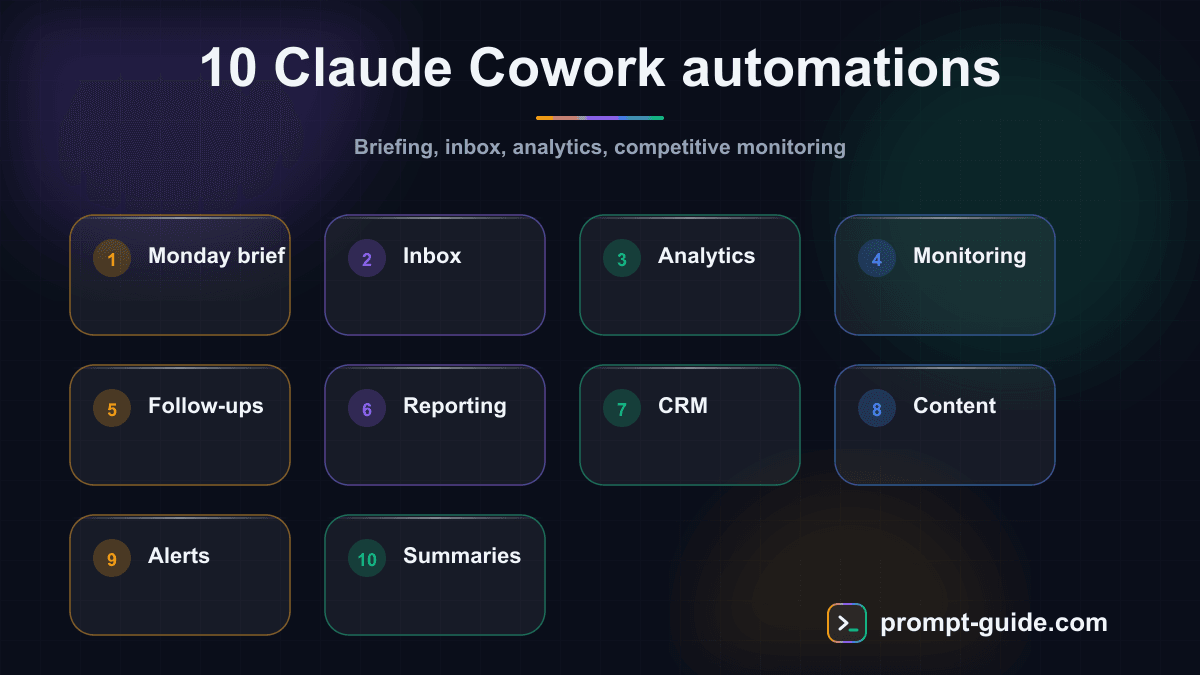
Now that you understand the mechanism, here are 10 practical automations that will change your work life.
1. Monday morning weekly briefing
Every Monday at 8:00 AM, Claude compiles a summary of your unread weekend emails, lists your meetings for the week, and extracts important Slack messages. You start the week with a clear overview without opening three different apps.
/schedule every monday at 8:00 "Compile my weekly briefing: summarize unread weekend emails by priority, list my meetings for the week with participants and topics, and extract unread Slack messages from #general, #projects and my DMs. Format everything in clear sections."
Claude produces a structured document with three sections: Priority emails, Week's agenda (day by day), and Slack messages to address (sorted by channel). Each item includes a direct link to the source.
Pro tip: add "Identify the 3 most urgent actions to handle before 10 AM" for an actionable to-do list right at the start of your day.
2. Daily inbox triage and draft responses
Every morning at 7:30 AM, Claude reviews your unread emails, sorts them into categories (urgent, actionable, informational, ignorable) and drafts responses for emails that need action.
/schedule daily at 7:30 "Analyze my unread emails. Sort them into 4 categories: urgent (needs a response today), action required (this week), informational (to read), ignorable (newsletters, notifications). For each urgent or action-required email, draft a professional, concise response. Present results in a table with sender, subject, category and suggested action."
You get a sorted table plus ready-to-send draft responses. Your email processing time drops from 45 minutes to 10 minutes.
Pro tip: specify your usual tone in the prompt ("formal responses in French for clients, casual in English for the internal team") so drafts match your style.
3. Weekly analytics report
Every Friday at 4:00 PM, Claude pulls your Stripe data (revenue, subscriptions, churn) and Google Analytics metrics (traffic, sources, top pages) to generate a formatted performance report.
/schedule every friday at 16:00 "Generate my weekly performance report. Pull Stripe data: MRR, new subscriptions, churn, revenue by plan. Pull Google Analytics: sessions, unique users, bounce rate, top 10 pages, traffic sources. Compare with the previous week in percentages. Present with clear indicators and a trend analysis paragraph."
The output is a complete report with key metrics, week-over-week comparisons, and an analytical commentary identifying positive trends and red flags. Ready to share with your team or investors.
Pro tip: add "Suggest 3 concrete actions based on this week's data" to turn a passive report into an action plan.
4. Daily competitive monitoring
Every day at 9:00 AM, Claude monitors your competitors' websites for changes: new pages, pricing modifications, blog posts, product announcements.
Continue reading
Create a free account to access the rest of this guide and all our Claude Cowork content.
- Full access to Claude Cowork guides
- Ready-to-use prompts and Skills
- 100% free, no commitment

Prompt Guide
Founder of Prompt Guide and CEO of Webpulser. Digital and AI entrepreneur since 2006, he shares his field-tested prompt engineering techniques.
Practice what you learned
Interactive exercises to sharpen your prompting skills
Master Claude Cowork in 5 days
Get one email per day for 5 days with practical exercises, ready-to-use prompts and pro tips.
- 1Day 1: Setup and global instructions
- 2Day 2: Skills - customize your assistant
- 3Day 3: Scheduled tasks and automations
- 4Day 4: Plugins, connectors and Computer Use
- 5Day 5: Advanced workflows and business use cases
Bonus: 3 advanced prompts
Ready-to-copy prompts for Claude Cowork
Analyse mon workflow hebdomadaire et propose 10 taches planifiees Claude Cowork personnalisees : Mon metier : [VOTRE METIER] Mes taches recurrentes : [VOS TACHES] Mes outils : [VOS OUTILS] Pour chaq...
Cree un tableau de bord de mes taches planifiees Claude Cowork. Scanne mes taches /schedule actives et genere : 1. Un tableau recapitulatif (tache, frequence, derniere execution, statut) 2. Les tache...
Je veux creer des automatisations conditionnelles avec Claude Cowork. Pour chaque scenario ci-dessous, ecris le prompt /schedule complet avec la logique conditionnelle : 1. SI nouveau fichier dans /I...
Create a free account in 30 seconds
Claude Cowork Starter Kit
A ready-to-use context kit so Claude Cowork knows your profession from the moment you open it.
- Free and open source kit
- Compatible with Claude Cowork and Codex
- Ready-to-use context files
- Use cases for freelancers and consultants
Related Prompts
Transform long content into catchy social media posts
Transform your articles and long-form content into short, engaging social media publications.
Create Catchy Social Media Headlines
Generates punchy, optimized headlines for your social media posts, adapted to your audience and platform.
Summarize long articles or documents into clear summaries
Condense articles, reports, and lengthy documents into structured and directly usable summaries.
Write Professional Blog Posts and White Papers
Create engaging blog posts and professional white papers that strengthen your industry expertise.