Why AI is revolutionizing professional email writing
You spend an average of 2.5 hours per day writing emails. That's almost a third of your workday consumed by drafting messages — often repetitive, sometimes stressful, always time-consuming. What if AI could save you 80% of that time?
Language models like ChatGPT, Claude, and Gemini excel in one specific area: producing structured text adapted to the tone and context you provide. Professional email is their ideal playground. You just need to know how to talk to them — that's where the professional email prompt comes in.
In this article, you'll discover 20 professional email templates covering every situation you encounter daily: sales prospecting, client follow-up, job applications, apologies, thank-yous, internal communication... Each template comes with a concrete, ready-to-copy prompt.
And if you want to go further, explore our prompt library with hundreds of templates for all professional uses.
Fundamentals of a good professional email prompt
The CTRO structure: Context, Tone, Role, Output
- Context: give the AI all necessary info — who you are, who you're writing to, what's the situation
- Tone: specify the register — formal, friendly, direct, diplomatic
- Role: assign expertise — "act as an experienced sales director"
- Output: describe expected format — length, structure, elements to include
Mistakes to avoid
- Being too vague: "Write a professional email" will never yield good results.
- Forgetting relational context: an email to a cold prospect is nothing like one to a loyal client.
- Not proofreading: AI produces a solid base, but you add the personal touch.
- Copy-pasting without adapting: always replace variables with your real data.
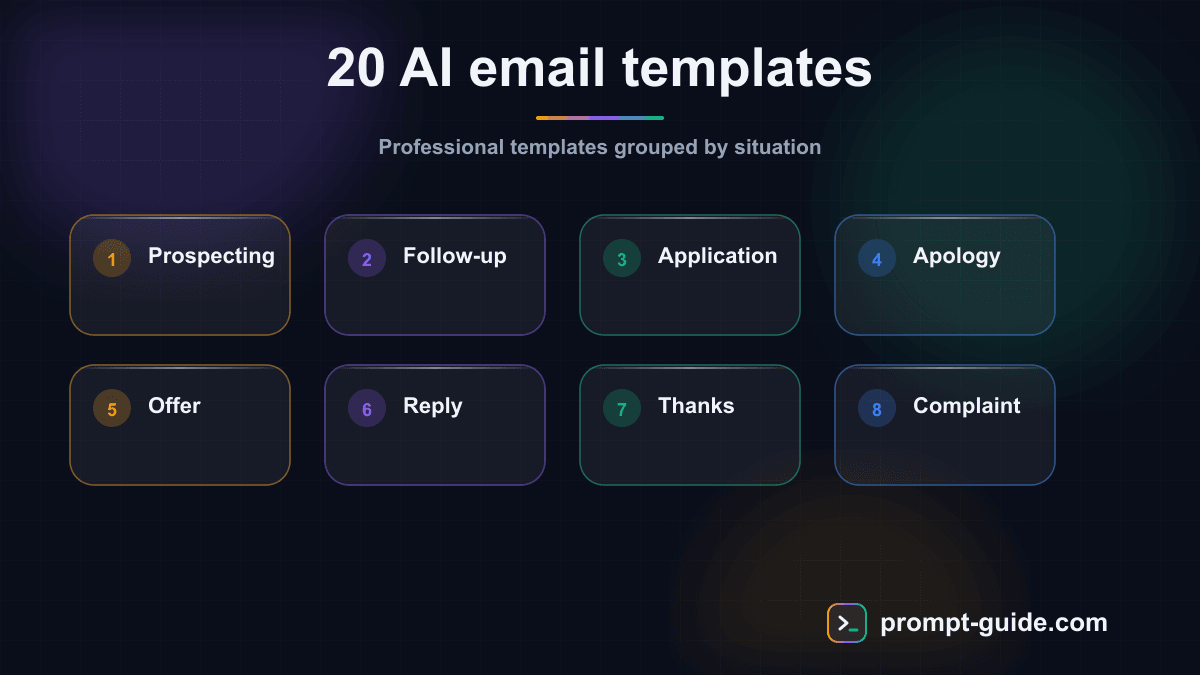
The 20 professional email templates by category
1. Sales prospecting email
2. Sales follow-up email
3. Job application email
4. Professional apology email
5-8. Additional templates
Templates 5-8 cover commercial offer presentation, reply to a received email, meeting minutes, and professional LinkedIn messages — each with a structured prompt following the CTRO method.
9-12. More templates
Cover letters, negotiation emails, partnership proposals, and newsletters — all with concrete prompts specifying context, constraints, and expected format.
13-17. Communication templates
Press releases, professional Slack messages, activity reports, PowerPoint presentations, and internal communications — each with role-specific prompts.
18. Event invitation email
19-20. Final templates
Partnership prospecting email and professional thank-you email, each with detailed prompts including specific context elements and tone guidelines.
Advanced use cases
Creating automated multi-email sequences
Instead of writing isolated emails, ask the AI to build complete journeys: prospecting sequences over 3 weeks, client onboarding sequences, or post-interview follow-up sequences.
Adapting tone to your personal brand
Provide the AI with examples of emails you've already written and ask it to mimic your style. This produces far more authentic results than generic templates.
Handling delicate situations
AI handles nuanced situations remarkably well when given the right context: politely declining a proposal, announcing bad news, managing a conflict, or requesting a raise.
Multilingual and cross-cultural
Working with international contacts? AI can not only translate but culturally adapt your emails. A professional email in the US doesn't have the same tone as one in Japan or Germany.
FAQ
Can AI really replace human writing for professional emails?
No, and that's not the goal. AI is an accelerator, not a replacement. It produces a solid base in seconds that you then personalize. The time savings are real: you go from 15 minutes to 3 minutes per email.
How do I avoid AI-generated emails sounding artificial?
Three foolproof techniques: provide examples of your own emails for the AI to mimic your style; always add a personal detail; read it aloud — if a phrase sounds odd when spoken, rephrase it.
Which AI tool is best for professional emails?
All three major models — ChatGPT, Claude, and Gemini — produce excellent professional emails. The difference comes from the quality of your prompts, not the tool.
Conclusion: take action now
You now have 20 professional email templates covering every situation: from sales prospecting to post-interview thank-yous, through client follow-ups, internal communication, and newsletters.
The key: start with one template. Choose the one matching your most frequent need, copy the prompt, adapt the variables, and go. You'll be surprised by the quality — and the time saved.
For more:
- Explore our prompt library for hundreds of other templates
- Use the prompt builder to create your own custom templates
- Discover our AI agents that can write emails in your style
- Practice with our practical exercises to level up fast
AI won't write your emails for you — it will let you write better emails, faster. And that's a professional superpower you'll never want to give up.

L'Art du Prompting
Founder of Prompt Guide and CEO of Webpulser. Digital and AI entrepreneur since 2006, he shares his field-tested prompt engineering techniques.
Practice what you learned
Interactive exercises to sharpen your prompting skills
Stay Updated
Get our best articles and techniques every week.
Related Prompts
Résumer un cours pour réviser efficacement avec l'IA
Un prompt qui transforme n'importe quel cours ou ensemble de notes en fiche de révision structurée, claire et facile à mémoriser, adaptée à votre niveau et à votre échéance.
Write a SKILL.md for Hermes Agent: turn a repetitive task into a skill
Converts a freely described manual task into a structured SKILL.md for Hermes Agent: triggers, preconditions, procedure, checks, failure cases, report.
Build a High-Performance Activity Dashboard for Your Web Agency
This prompt generates a comprehensive and personalized activity dashboard for a web agency, with KPIs tailored to the industry's specifics.
Draft a Custom Internal Policy for Your Web Agency
Prompt to generate a comprehensive and actionable internal policy, tailored to your web agency, with key variables.